

Events reach you only while you are connected. Missed events are not redelivered. For durable
delivery to a server, use webhooks.
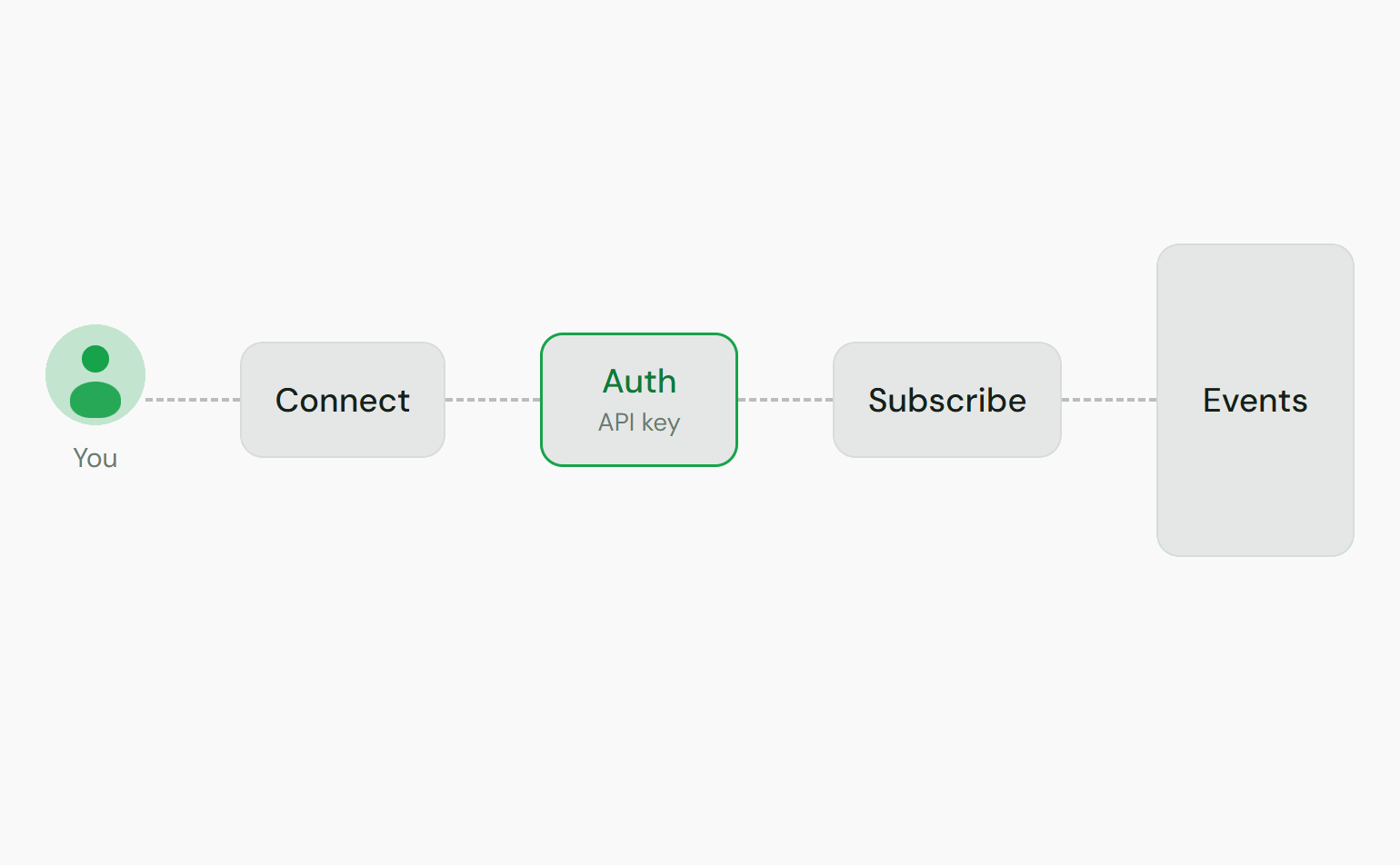
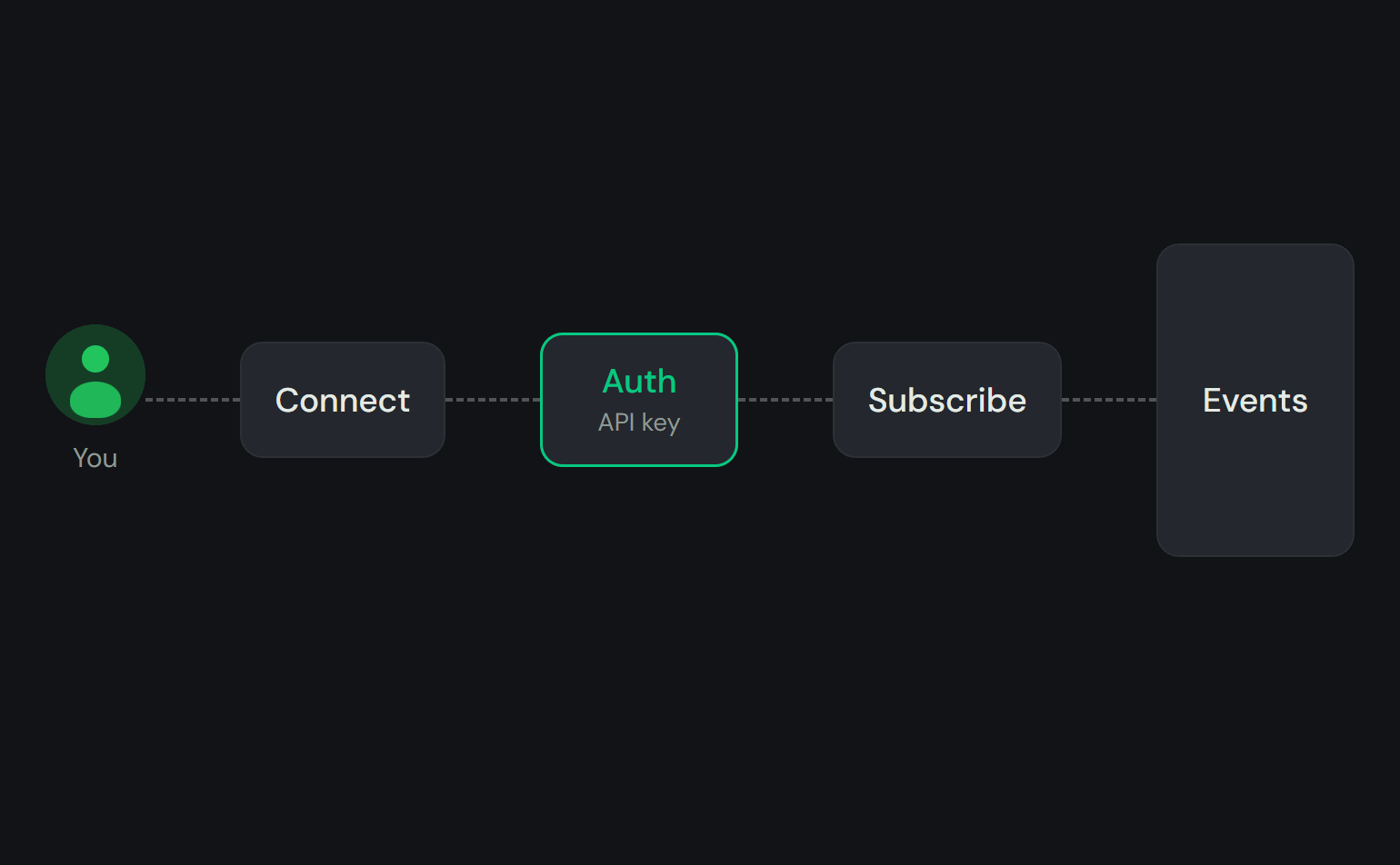
Connecting
Authentication
Send an auth message with your API key as soon as you connect:auth:error carries a code. Branch on code, not on message, which is not stable.
Subscribing to channels
After you authenticate, subscribe to each channel you want:
Your
mm_id is the same value as your user_id: your Privy DID (did:privy:...). auth:success
returns it, and so does the connected event on
the MM SSE stream.
Events
Quote events
mm_quote:accepted payload:
draft_quote_id is the quote.id you got back when you
submitted your draft quote. Use it to see which of
your drafts was lifted. Use quote_id, the accepted quote, for the
confirmation call.Parlay events
Delivered onrfq:{rfq_id}. These are the user-facing mirror of the maker’s quote:* events.
Position events
position_pda is the position’s on-chain account address, not a lookup key. To fetch or reference
a position through the API, use rfq_id, or position_id once it is
set on the RFQ.
position:bought_back fans out to the rfq:{rfq_id} channel, to the mm:quotes:{mm_id} channel of
the maker whose exposure closed, and directly to any connection authenticated as the seller or as
that maker. Subscribe on rfq:{rfq_id} and dedupe on tx_signature.amount is decimal USDC. quote_id is the position’s original accepted quote, not the winning bid.
For bids that acquire a position instead, see
the acquisition gap.