

At a glance
- Send native Solana USDC only. Placing a parlay moves the stake into your vault by itself, so there is no separate deposit step.
- Enable trading once, in the app. The API can only report whether it is on.
- Network fees are sponsored, so your wallet only needs USDC. The one exception is a small rent charge, taken in USDC, on a first withdrawal to a new address.
- One withdraw call reaches your wallet and your vault’s free balance together.
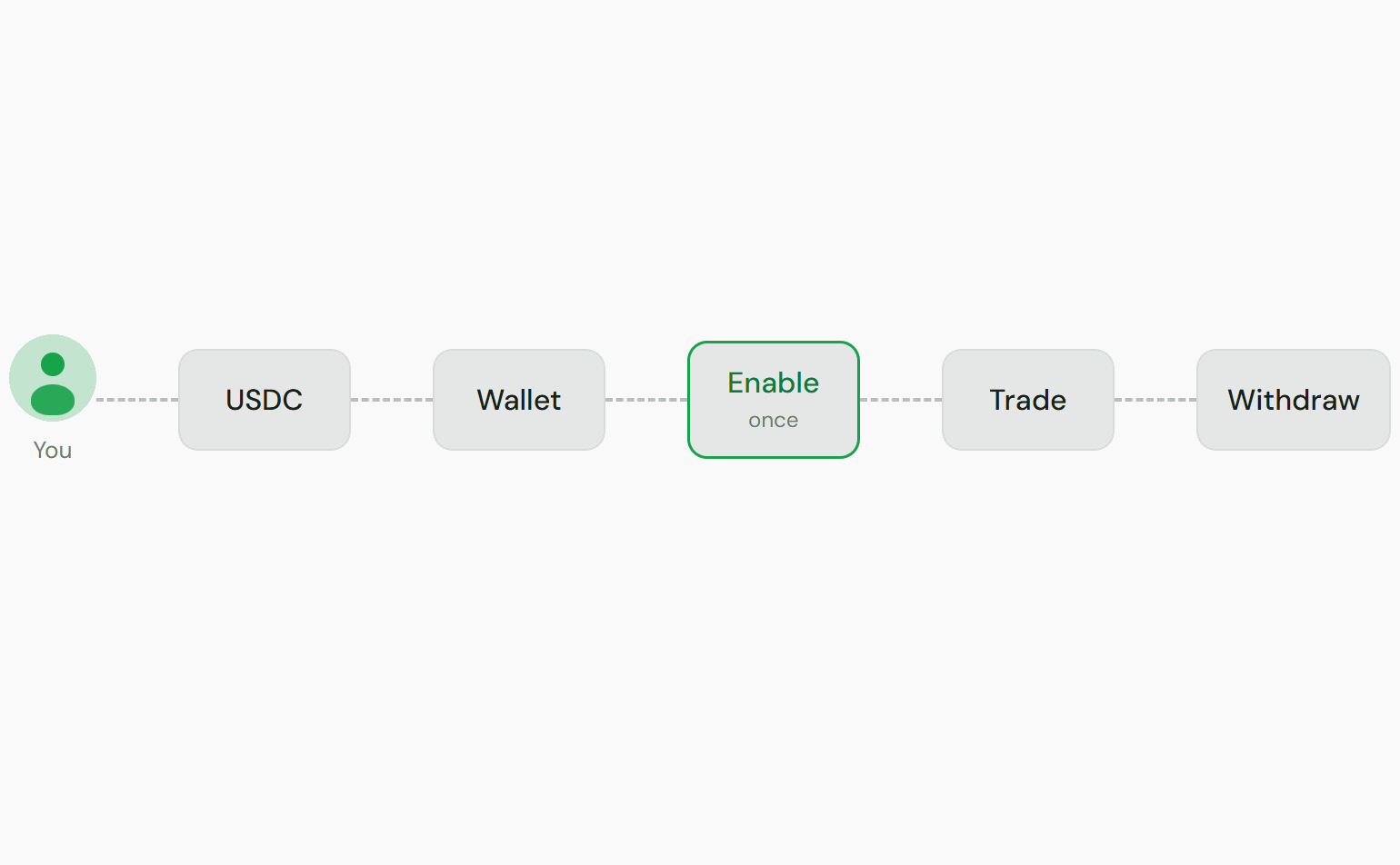
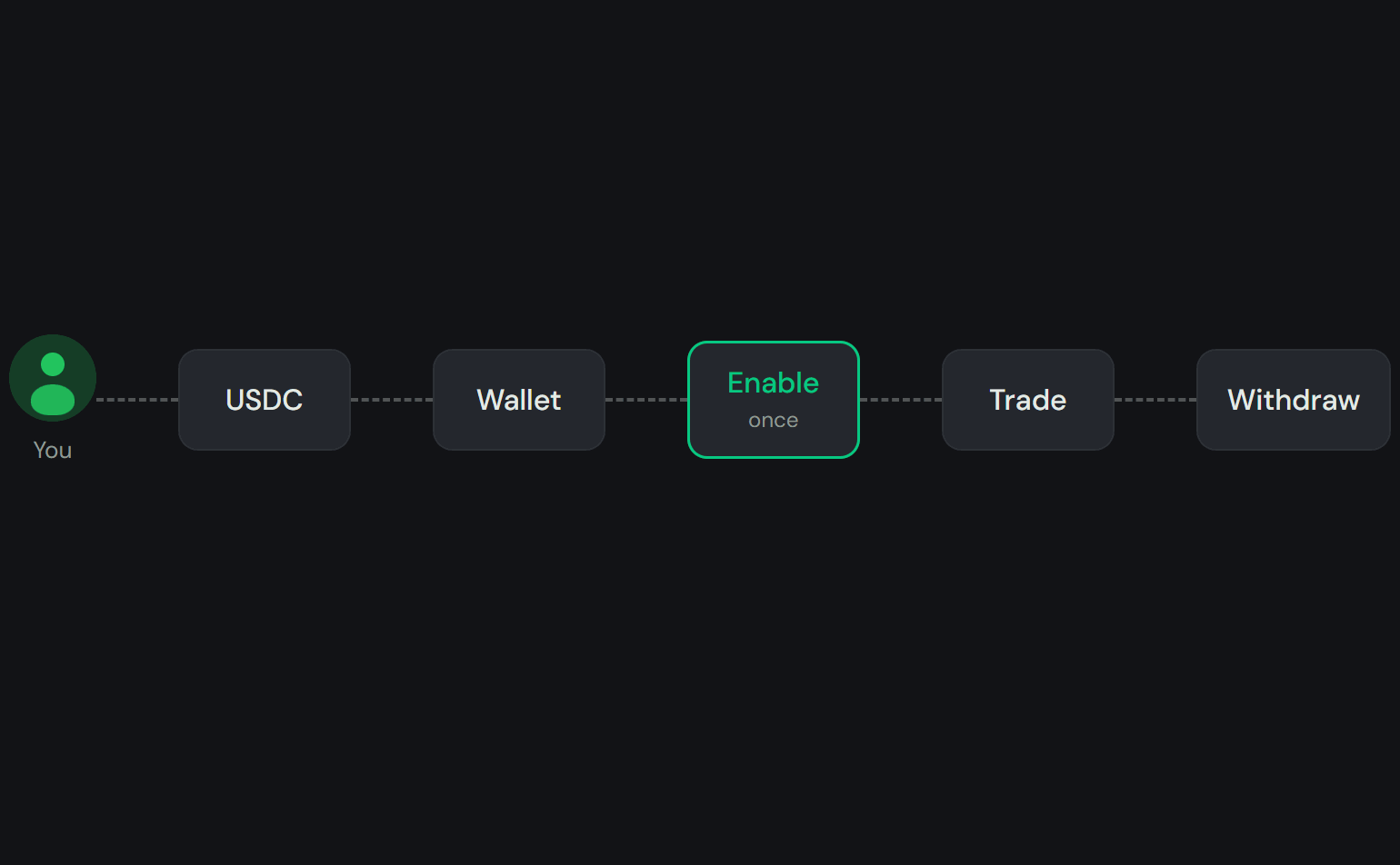
Send USDC to your wallet
To send USDC directly:
1
Get your wallet address
GET /v1/wallet returns your Solana wallet address and
current balances.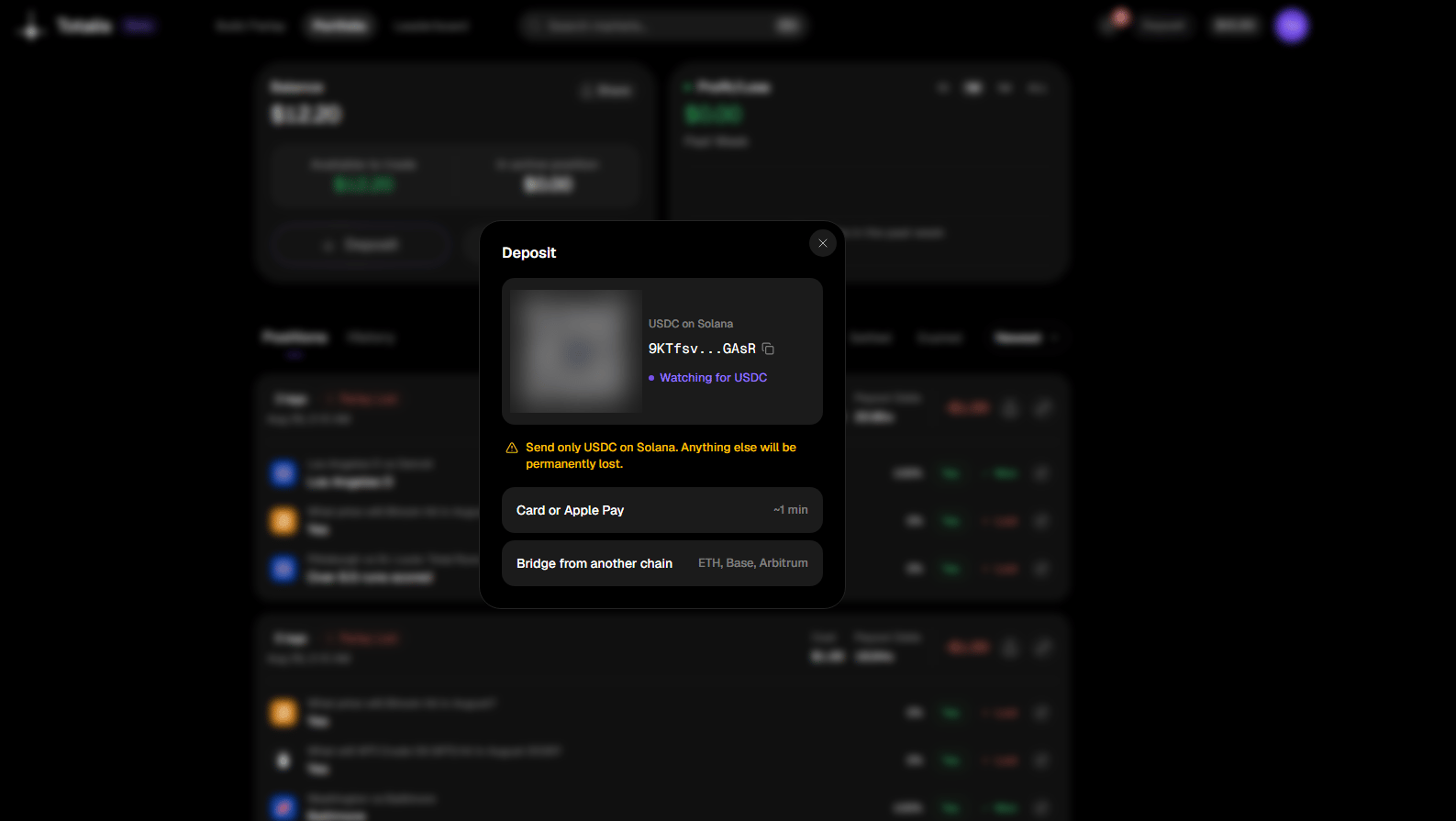
Deposit in the app: the wallet address, the chain warning, and the card and bridge options
2
Send native USDC on Solana
Transfer USDC to that address from any wallet or exchange that supports Solana (SPL) tokens. The
chain, token, and mint are on Limits and fees.
3
Confirm it landed
Poll
GET /v1/wallet until the balance reflects your
transfer. Then enable trading once, and you are ready to place parlays.Enable trading
Enable trading before you place a parlay or withdraw. This delegates signing: you let Totalis sign transactions on your behalf inside a secure enclave, the protected environment that holds your wallet’s private key. Vaults and custody covers what that permission does and does not allow. Check the current state withGET /v1/wallet/delegation-status.
How your balance is used
Your money sits in two places: your wallet and your vault. You do not have to deposit before you trade.
Trade eligibility is checked against your combined wallet and vault free balance. If the total
covers your bet amount, the trade goes through.
Two calls move money between the two on purpose:
POST /v1/vault/depositpre-funds the vault from the wallet. Market makers use it to hold collateral ahead of quoting.POST /v1/vault/withdrawmoves free balance back to the wallet.
Withdrawing
UsePOST /v1/wallet/withdraw with a recipient and amount.
Where the money comes from
One call reaches everything that is not locked in an open position.
The app shows the withdrawable total as Available to withdraw and the locked part as In open
positions.
If the amount exceeds your wallet balance, Totalis first moves the shortfall from your vault to
your wallet. It waits for that transaction to confirm, then sends the external transfer. The
response then carries
vault_signature and vault_amount beside the transfer signature.
For integrators: rules and failure modes
For integrators: rules and failure modes
Rules
- Trading must be enabled. Withdrawing uses the same delegation as placing a parlay. If it has
lapsed the call returns
409, and re-enabling trading in the app restores it. - The key needs the
funds:withdrawscope, the highest risk scope on a key. See Authentication. recipientmust be a regular Solana wallet address. Token accounts, program ids, and derived addresses are rejected, because USDC sent to them is unrecoverable. Your own wallet address is rejected too.- The minimum is one base unit,
0.000001USDC. The maximum is your wallet plus vault free balance. A larger amount returns400with the available breakdown in the message. - If the recipient has never held USDC, Totalis creates its token account and fronts the rent,
about 0.002 SOL. That rent is billed back in USDC out of the withdrawal at the live SOL price:
about 0.29 USDC on 11 September 2026. The response reports it as
chargeback_usdc, what arrived asdelivered_usdc, and setsrecipient_ata_created. An amount too small to cover it is rejected. So is the call if the SOL price is briefly unavailable. Retry in a moment. Idempotency-Keyis honored and must be a UUID; anything else returns400. A repeat with the same key within 24 hours replays the original success without moving funds again. The vault deposit and withdraw calls follow the same rule.- The call has its own per-account rate limit, listed on Limits and fees.
When it fails
The partial case returns
502, not 200, on purpose. An idempotent retry against a 502 runs
again, where a cached 200 would replay a half-finished result.Withdrawing in the app
Withdraw sits next to Deposit on the portfolio page and offers two routes. The API endpoint above covers only the first.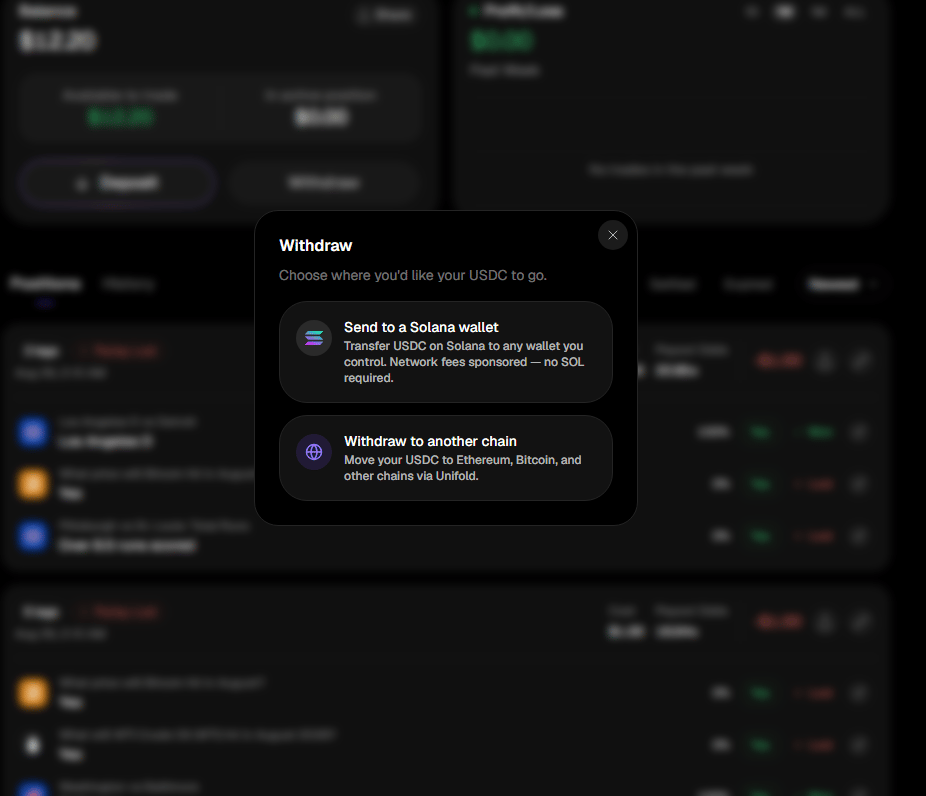
Send to a Solana wallet is the same operation as the API call. The second route bridges through Unifold.
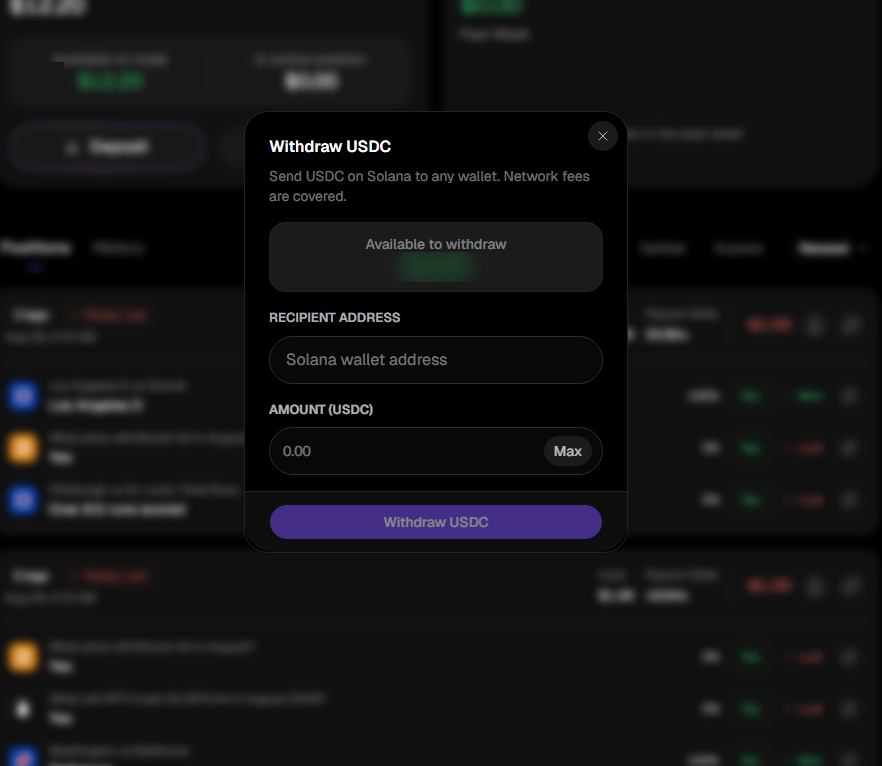
Send to a Solana wallet: the free balance, a recipient address, and an amount with a Max shortcut
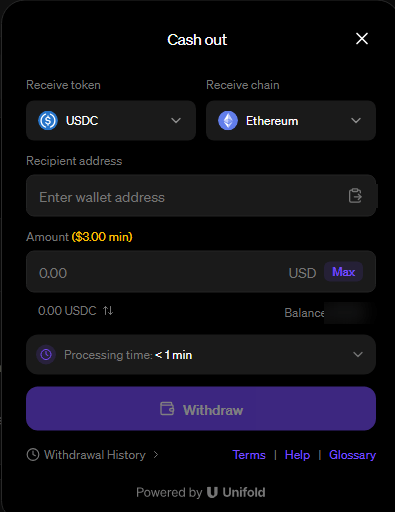
Withdraw to another chain opens Unifold, which sends your funds on to Ethereum, Bitcoin and other chains. It has its own minimum and processing time.